
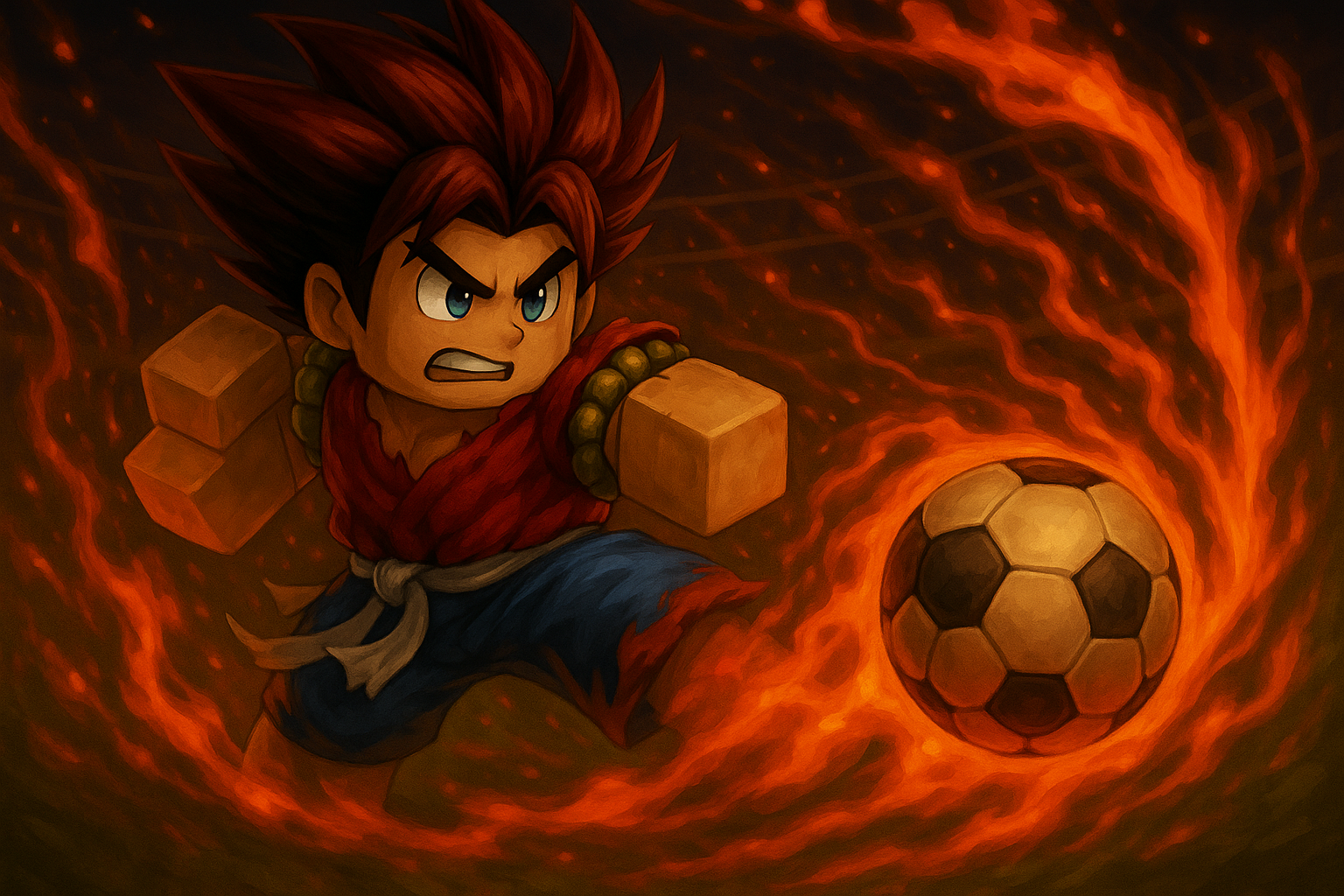
We're thrilled to announce our biggest update yet! This release introduces vectors, game logos, reference images, presets, a revolutionary new queue-based image engine, quality selection, API improvements, code assistant enhancements, performance upgrades, and extensive bug fixes.
🎨 Introducing Vectors
We're excited to finally release Vectors to the public! After extensive testing and refinement, you can now generate beautiful vector graphics perfect for icons, UI elements, and scalable designs. Vectors are ideal for:
- Game icons and badges
- UI elements and buttons
- Scalable graphics that look crisp at any size
- Clean, modern designs
Generate vectors with multiple style options (Default, Flat, Realistic) and choose from presets like Anime and Cartoon to get the perfect look for your project.
🎮 Game Logos
Create stunning game logos that capture the essence of your Roblox game! Whether you need a fiery text logo for an action game or a cute cartoon logo for a family-friendly experience, our AI can generate professional-quality logos tailored to your vision.
Game logos support:
- Multiple style options (Default, Flat, Realistic)
- Custom text integration
- Preset styles (Anime, Cartoon, None)
- Quality selection (Standard or High)
Perfect for game thumbnails, promotional materials, and branding!
🖼️ Reference Images
One of our most requested features is finally here: Reference Images! You can now upload reference images to guide the AI generation process. This powerful feature allows you to:
- Maintain consistency across multiple generations
- Capture specific art styles or color schemes
- Replicate character designs or visual elements
- Blend multiple reference images for unique results
Simply upload your reference images when generating icons, thumbnails, vectors, or logos, and watch as the AI incorporates your visual guidance into the output. This makes it easier than ever to create cohesive graphics for your games and projects.
⚡ Presets for All Graphics Types
We've added presets across all graphic types to help you achieve the perfect style faster:
- Icons & Thumbnails: Choose from Default, Cartoon, Realistic styles
- Vectors: Select from None, Cartoon, or Anime presets
- Logos: Pick from None, Cartoon, or Anime presets
Presets are designed to give you a head start on your generation, reducing the need for lengthy prompts while ensuring consistent, high-quality results. Whether you're going for a vibrant anime aesthetic or a clean cartoon look, there's a preset for you.
🔄 New Queue-Based Image Engine
We've completely rebuilt our image generation system with a revolutionary queue-based architecture. This major infrastructure upgrade brings:
- Reliable processing: No more lost generations or failed requests
- Better scalability: Handle more users simultaneously without slowdowns
- Operation tracking: Every generation gets a unique operation ID for status checking
- Improved error handling: Better recovery from temporary issues
- Fair resource allocation: Queue system ensures all users get their generations processed
The new system uses asynchronous processing, so you can submit multiple generation requests and check their status using the operation ID. This makes it perfect for API integrations and batch processing workflows.
🎯 Quality Selection for Graphics
Take control of your generation quality with our new Quality Selection feature! Choose between:
- Standard Quality: Fast generation with excellent results for most use cases
- High Quality: Premium output with enhanced detail and refinement
This gives you the flexibility to balance speed and quality based on your needs. Use Standard for quick iterations and High Quality for final assets that need that extra polish.
🔌 API Improvements
Our API has received significant updates to support all the new features:
New Endpoints
/api/v1/generate-vector: Generate vector graphics/api/v1/generate-logo: Create game logos/api/v1/get-image-operation: Check the status of your generation operations
Enhanced Existing Endpoints
/api/v1/generate-icon-thumbnail: Now supports reference images, presets, and quality selection- All endpoints now return operation IDs for queue-based status checking
Improved Response Format
All generation endpoints now return an operationId that you can use with the /api/v1/get-image-operation endpoint to check status and retrieve results. This makes it easy to build robust integrations that handle the asynchronous nature of image generation.
Better Error Handling
- More descriptive error messages
- Proper HTTP status codes
- Clear rate limiting responses
🤖 Code Assistant Enhancements
Our AI Code Assistant has received major upgrades, making it more powerful and versatile than ever:
Document Format Code Editing
The Code Assistant now supports document format code editing, allowing you to work with entire files and codebases more effectively. You can:
- Edit complete files with full context awareness
- Make multi-line changes across your codebase
- Get suggestions that understand the full structure of your project
- Work with complex code relationships and dependencies
Code Execution & Running
One of the most exciting additions is the ability to run and execute code directly within the assistant! This feature enables:
- Live code testing: Execute code snippets to see results immediately
- Interactive debugging: Run code and see outputs in real-time
- Validation: Verify that generated code works before integrating it
- Learning: Understand code behavior through execution
This makes the development process faster and more interactive, allowing you to iterate quickly on your Roblox scripts and game logic.
Spreadsheet Creation
The Code Assistant can now create and manipulate spreadsheets! This powerful feature lets you:
- Generate data tables and spreadsheets programmatically
- Organize game data, configurations, and settings
- Create structured data formats for your projects
- Export and import spreadsheet data seamlessly
Perfect for managing game configurations, player data, item databases, and more!
Model Selection
You now have full control over which AI model powers your Code Assistant! Choose from:
- Different model sizes for speed vs. quality trade-offs
- Specialized models optimized for specific tasks
- Models fine-tuned for Roblox development
- Custom model configurations based on your needs
This flexibility ensures you get the best performance for your specific use case, whether you need lightning-fast responses or deep, comprehensive code analysis.
Massive Roblox Context Dataset
The Code Assistant now leverages a giant dataset of Roblox context that's updated weekly! This includes:
- Comprehensive Roblox API documentation: Always up-to-date with the latest APIs and features
- Best practices and patterns: Learn from proven Roblox development techniques
- Common solutions: Access to a vast library of solved problems and implementations
- Platform updates: Stay current with the latest Roblox platform changes and features
- Community knowledge: Insights from the Roblox developer community
This weekly-updated context ensures the Code Assistant always has the most current information about Roblox development, making it an invaluable resource for both beginners and experienced developers.
Additional Improvements
- Better context understanding: Improved comprehension of Roblox-specific code patterns
- Faster responses: Optimized for quicker code generation and suggestions
- Enhanced code quality: More accurate and production-ready code outputs
- Improved error detection: Better identification of potential issues in your code
The Code Assistant is now a comprehensive development companion that can help with everything from writing scripts to organizing data to executing and testing code!
⚡ Performance Upgrades
We've made significant performance improvements across the entire platform:
- Faster page loads: Optimized assets and improved caching strategies
- Smoother UI interactions: Reduced latency in interface responses
- Better image loading: Optimized image delivery and lazy loading
- Improved database queries: Faster data retrieval and updates
- Enhanced API response times: Reduced latency for all API endpoints
These improvements make RBLX/ai feel snappier and more responsive, especially during peak usage times.
🐛 Bug Fixes & Stability
This release includes extensive bug fixes addressing issues across the platform:
- Fixed image generation failures in certain edge cases
- Resolved authentication and session management issues
- Corrected display problems with generated images
- Fixed API rate limiting edge cases
- Resolved UI inconsistencies across different browsers
- Fixed credit balance calculation errors
- Corrected operation status tracking issues
- Resolved reference image upload problems
- Fixed preset application bugs
- And many more stability improvements!
We've been working hard to make RBLX/ai more reliable and stable, and this update represents hundreds of bug fixes and improvements.
🚀 What's Next?
We're continuously working on improving RBLX/ai. Here's what we're focusing on next:
- More style options and presets
- Additional customization features
- Enhanced reference image capabilities
- More API endpoints and features
- Improved code assistant functionality
- Additional quality options
- And much more!
🙏 Thank You
Thank you to everyone who has provided feedback, reported bugs, and supported RBLX/ai. Your input has been invaluable in shaping this major update. We're excited to see what you create with these new features!
Stay tuned for more updates, and as always, feel free to reach out with your suggestions and feedback!
X: https://x.com/rblxai
Discord: https://discord.gg/PdC3as5wjv