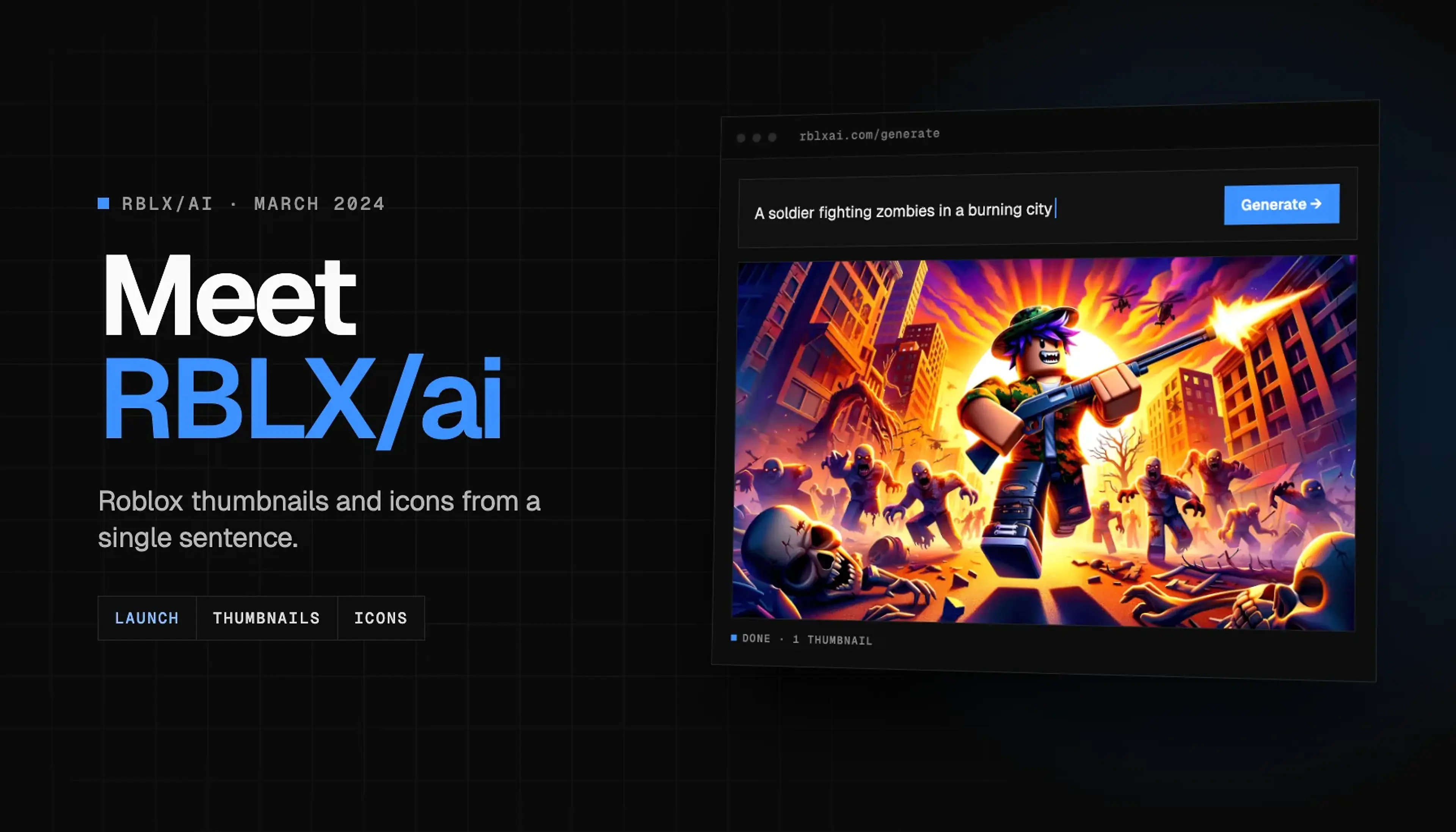
This is pretty much the release of RBLX/ai. I created this whole blogging blog a couple days after releasing the project. I'm really excited to see where this goes.
RBLX/ai is a tool that allows you to generate graphics for your Roblox games, thumbnails, and more. It offers an extremely user-friendly interface and very good subscription plans. All you have to do is register, create a prompt, and generate your graphics. It's that simple! We also offer a very simple API that you can use to integrate RBLX/ai into your own projects.
This quick start guide will help you get started with RBLX/ai. If you have any questions, feel free to ask in the Discord server.
I have recently received a lot of questions. Here are some of the most common ones:
Why should I use RBLX/ai over something like DALL-E or BingAI?
Why would you support the idea of AI replacing GFX artists that rely on it for their income?
How do I get the best results from RBLX/ai?
The idea behind this isn't to replace GFX artists, but perhaps give them a tool to help them create graphics faster while also providing users in need of high quality graphics for a high price an alternative. We all know that paying $200 for a Thumbnail or Icon just for it to be either below your expectations or rushed and they hit you with the "No revisions" or even worse: the response after 2 1/2 month, is an absolute pain.
For you to maximize the results you get from RBLX/ai, you need to have a clear idea of what you want to create. The more clear and concise your prompt is, the better the results you will get. You can also use the variations feature to get more results.
console.log("Intermission...");
console.log("Keep reading...");For more information about OpenAI, click here.
We offer 3 subscription plans: Hobby, Pro, and Unlimited. Additionally, we offer a package for you to top-up your credits balance if purchasing a subscription is not ideal for you.
RBLX/ai offers an extremely simple interface for you to use the API. Here are the current API endpoints we have to offer:
import axios from "axios";

const response = await axios.post(".../api/v1/generate-icon-thumbnail", {
  prompt: "A person with a sword",
  size: "1024x1024", // Icon
  style: "Default", // Default, Cartoon, Realistic
  perspective: "Default", // Default, Close-up, Medium shot, Wide shot
  robloxUserId: "1234567890", // Optional, tries to integrate the person's roblox account with the generated image
  n: 3,
});

type Data = {
  id: string;
  prompt: string;
  size: string;
  style: string;
  perspective: string;
  robloxUserId: string;
  quality: string;
  previewUrl: string;
  fullUrl: string;
};

const { data } = response.data as { success: boolean; data: Data[] };
data.map(({ id, prompt, size, quality, previewUrl, fullUrl }) => {
  console.log(id);
});import axios from "axios";
const response = await axios.get(".../api/v1/get-balance");
const { balance } = response.data as { success: boolean; balance: number };
console.log(balance);import axios from "axios";
const limit = 50; // max: 100, default: 10
const response = await axios.get(".../api/v1/get-community", {
params: {
limit,
},
});
type CommunityItem = {
prompt: string;
size: string;
style: string;
perspective: string;
robloxUserId: string;
quality: string;
previewUrl: string;
};
const { community } = response.data as {
success: boolean;
community: CommunityItem[];
};
console.log(community);import axios from "axios";
const limit = 50; // max: 100, default: 10
const cursor = "some-cursor";
const response = await axios.get(".../api/v1/get-history", {
params: {
limit,
cursor,
},
});
type History = {
id: string;
prompt: string;
size: string;
style: string;
perspective: string;
robloxUserId: string;
quality: string;
previewUrl: string;
fullUrl: string;
};
const { nextCursor, history } = response.data as {
success: boolean;
nextCursor: string;
history: History[];
};
console.log(nextCursor, history);Stay in the loop
Hear about updates first.
We post new features, fixes and sneak peeks on X and Discord before they make it to the blog.